Pragmatos Platform and Trust
Runs where you choose. Answers to your IT.
Foundation, Fabric, Command and Mobile: the server, the links to your business systems, the administration and the phone app. On premise in your plant, in your own cloud, or both: you choose. Pragmatos only reads at the machine.
The ground every step of the loop stands on
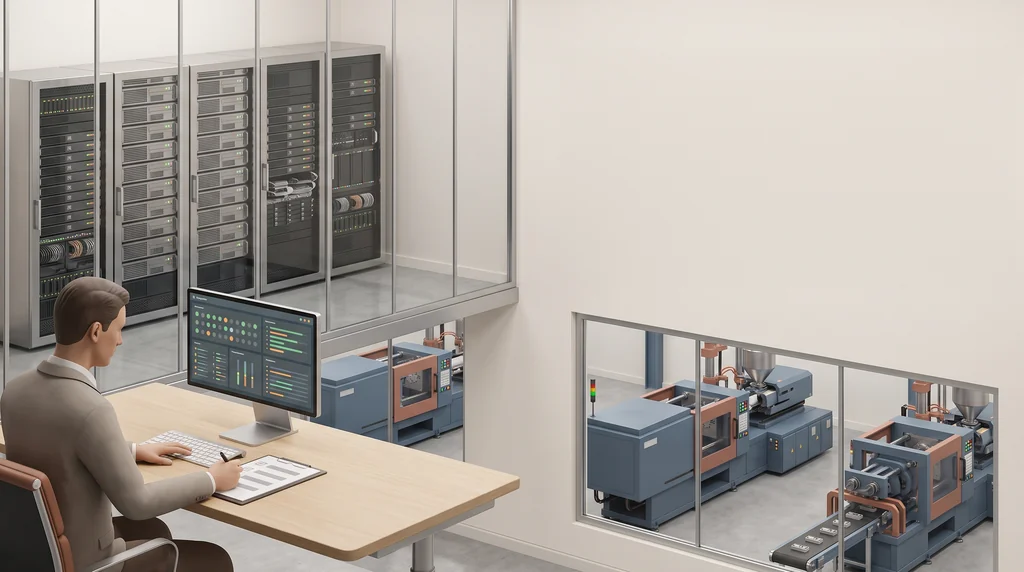
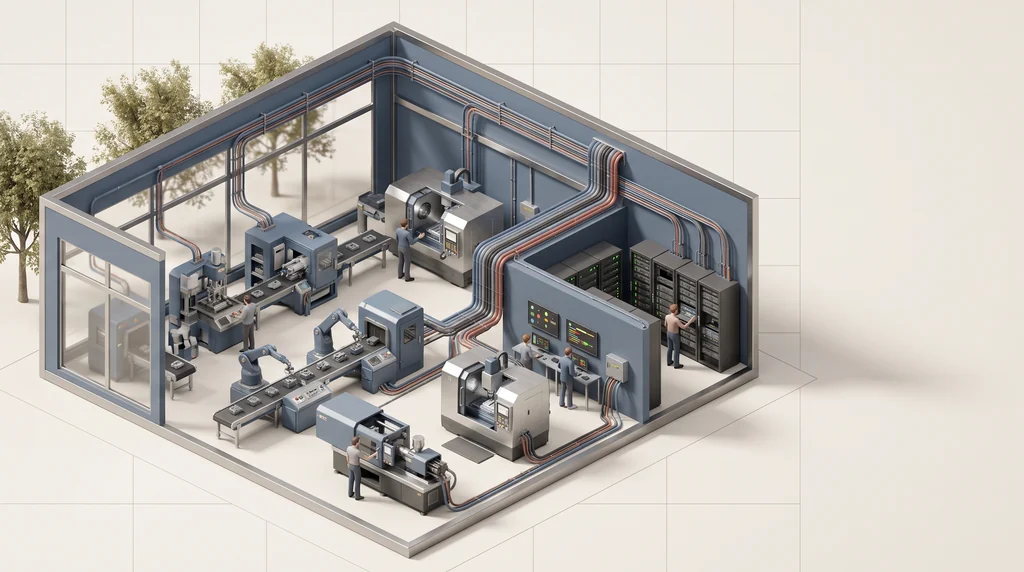
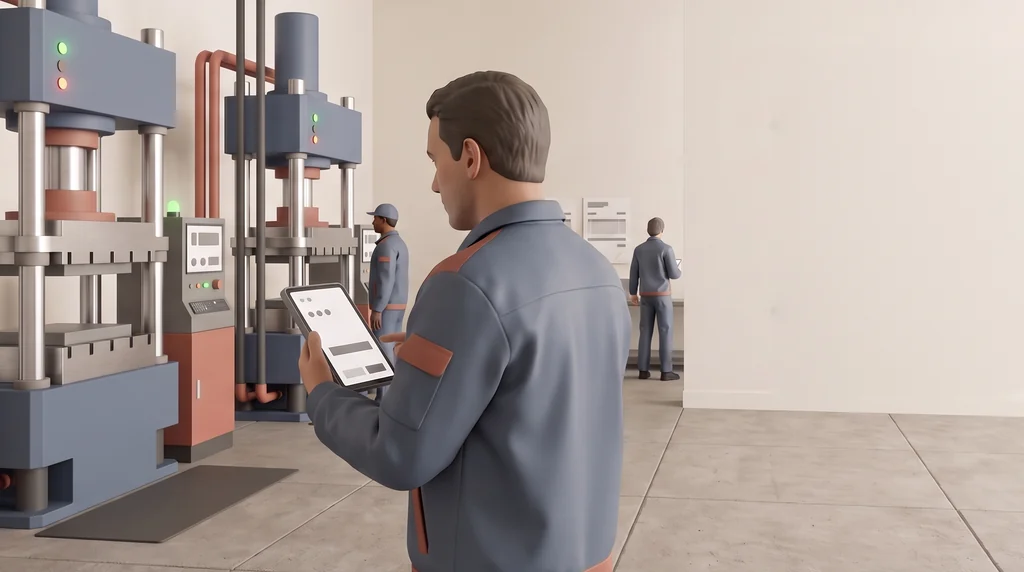
Pragmatos follows one loop: connect the machines, see them, analyze them, decide, act and prove it. Under every step sit four parts. Foundation is the server, the sign-in and the record. Fabric links Pragmatos to your ERP and to anyone who builds on it. Command is where IT runs every plant from one console. Mobile puts the decisions in the pocket of the person who acts on them.
Foundation: your server, your sign-in, your rules
FoundationFoundation is the common ground every module stands on: one model for machine signals, one for decisions, the roles, the record and the checks that every pack and connector passes before it installs. For you it means one installation that IT can size, back up and sign off, instead of a set of separate tools.
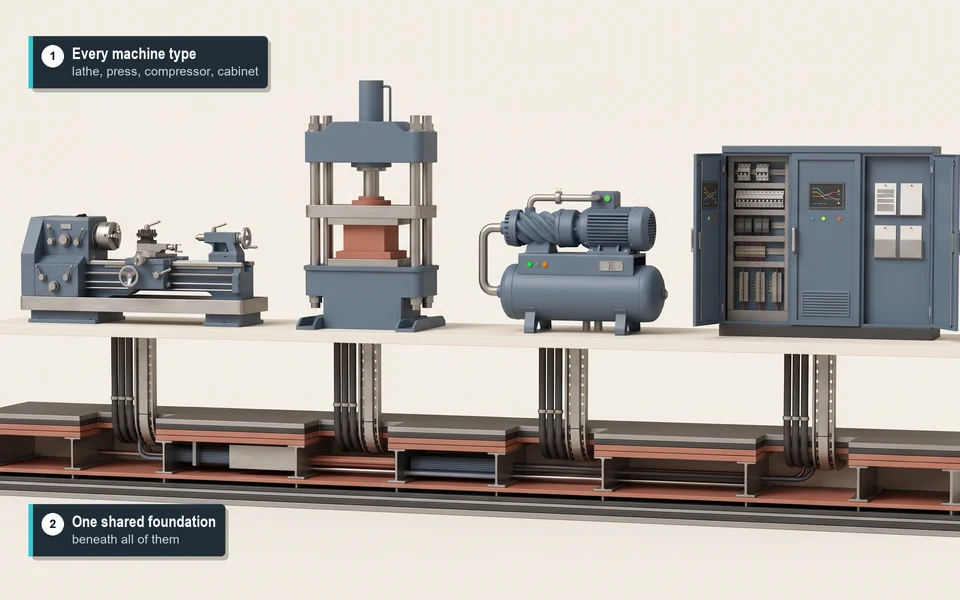
- Where it runs.On premise in your plant, in your own cloud, or both: you choose. In a hybrid set-up, the edge computer in each plant reads the machines, buffers through a network drop and sends on only the data you choose.
- One database per company.Backup, restore and upgrade run one company at a time, so an IT house can run several customers on one installation.
- Sign-in through your own identity provider.Single sign-on by OpenID Connect, with your directory behind it. One sign-out ends every Pragmatos screen.
- Nine roles, checked on every call.From operator to company admin. The server checks each right on every request, and a screen outside a role is refused.
- The open-source core under Apache-2.0, modules under a commercial licence.Every release ships with a component list (SBOM) naming each part and its licence.
How big a server you need
One installation runs on one platform server, with a small edge computer per plant on top.
| Devices | vCPU | Memory | SSD storage |
|---|---|---|---|
| up to 50 | 4 | 16 GB | 250 GB |
| up to 300 | 8 | 32 GB | 1 TB |
| up to 1,000 | 16 | 64 GB | 2 TB |
Fabric: approved work lands in the systems you already run
FabricA decision is only worth something once it becomes work. Fabric sends approved work into your business systems and brings the completion back, so nobody types a work order twice. It also gives your developers and partners one published interface to build on.
- SAP, incl. Business One
- proALPHA
- Dynamics 365 Business Central
- Odoo
- Other systems over REST or CSV
The ERP link is not needed to start. When you add it, it uses API users on the ERP side, under your ERP licence.
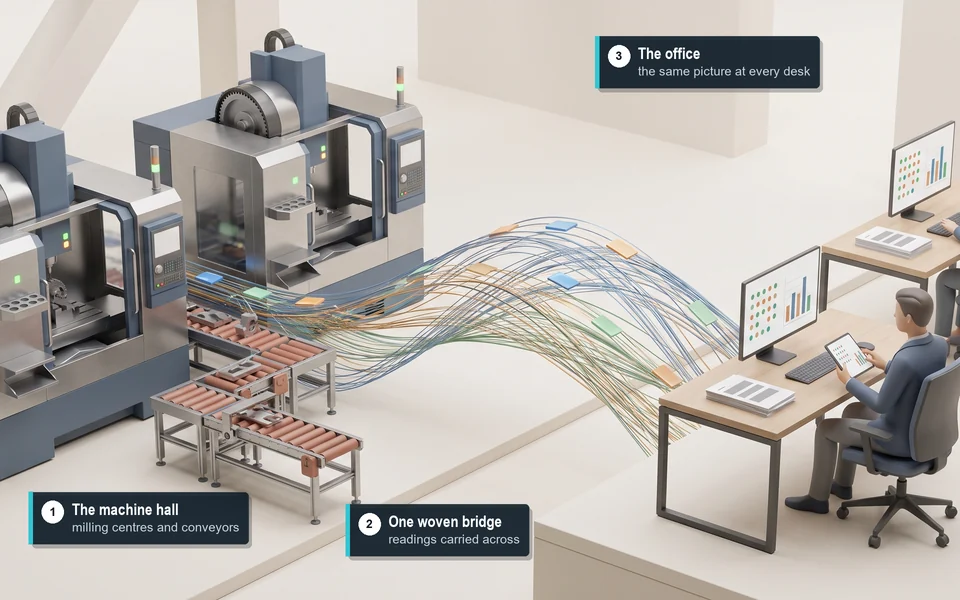
Invoices and accounting run through Pragmatos Flow, with DATEV export and XRechnung or ZUGFeRD e-invoices.
Command: every plant, every connector, one console for IT
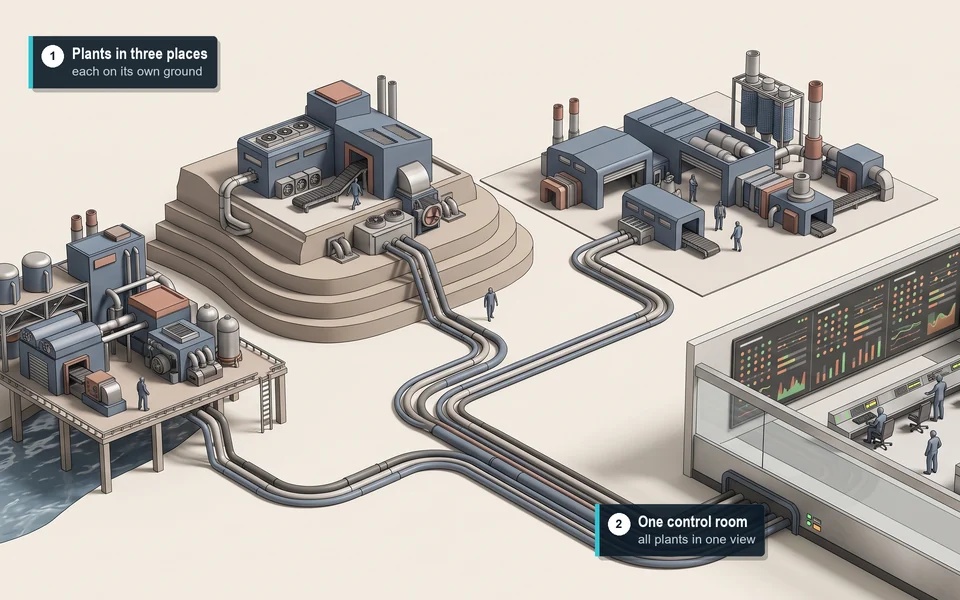
CommandCommand is where whoever runs Pragmatos runs it: companies, plants, packs, licences, connector health, backups, audit queries and the works-council mode. One place for every installation, whether you run one plant or an IT house runs twenty customers.
Mobile: the plant in your pocket, figures by group
MobileThe Pragmatos app on phones and tablets carries the same roles, the same decisions and the same figures as the big screen, in the pocket of the person who has to act. A tap on a message opens the decision it is about.
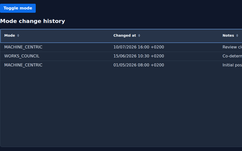
It is built for the conversation with your works council: figures by group, not by person, and every switch that would change that on the record.
Trust and IT: what stays where, and who decides
PlatformBefore IT says yes, it asks where the data goes, who signs in, what the software can touch, and what is written down. Here are the answers in one place.
Pragmatos reads, people act. Behind Loom AI and Orbis is a smart language model working with statistical and physical methods, and it learns from every confirmed decision. It proposes. A person with the right role decides, and the decision goes on the record.
What Pragmatos is not
- Not a safety function. It reports, and the machine's own safety circuit protects.
- No ISO 27001 or TISAX certificate: Crius holds neither. Pragmatos deploys into your security design, aligned with your own controls.
- Not a path into your controls. No role, no remote session and no pack can write to one.
One Monday at a company with three plants
One installation, three plants, an IT lead, a supervisor and the works council. Here is how the day runs.
- 06:40 A plant goes quiet.Command shows the connectors in Plant 2 without data since 05:52. The IT lead sees it on the overview before the early shift asks.
- 06:41 Nothing is lost.The edge computer in Plant 2 keeps every reading with its own timestamp while the link is down.
- 07:05 The link is back.A switch in the hall is replaced. The edge computer sends the buffered readings in order, and the Plant 2 figures fill in for the whole gap.
- 07:20 A decision on the phone.Orbis proposes a tool change on a lathe in Plant 1. The supervisor approves it on her phone, and the work order goes to the ERP.
- 10:00 The works council looks in.In its own view the works council checks the switch history: linking data to a person is still off, and no new report has gone in.
- 16:30 The quarter on the record.For the audit, the IT lead runs one query: every decision a model influenced this quarter and the role that approved it.
Who it's for
PlatformOpen your role to see what changes for you.
If you run the servers, the network and the sign-in:
- It runs where you choose, on premise or in your own cloud, sized from a table. No internet needed when it runs on premise, and updates come as an offline bundle.
- Sign-in goes through your own identity provider, and nine roles are checked by the server on every call.
- Command shows every connector and backup in one place, and the restore drill is part of every installation.
If you look after the controls, the PLCs and the production network:
- Pragmatos only reads at the machine. There is no path to write to a control.
- It sits in your production zone, and the link to IT is one firewall rule your network admin opens.
- OPC UA runs signed and encrypted, MQTT over TLS, and an outage is buffered at the edge.
If you represent the people on the floor:
- You have your own read-only view: what person data exists, where it sits, who sees it, and every switch ever changed.
- Shift and crew figures appear only for groups of five or more by default. There is no ranking of named people and no report per person.
- Linking data to a person stays off until it is switched on with a reference to your works agreement (Betriebsvereinbarung), and you are told before it takes effect.
If you answer for personal data:
- Every retention period deletes on its own, and every change to a period is logged.
- The decision record holds roles, not names. The names behind approvals sit in a separate table, linked by pseudonym and deleted after 12 months by default.
- One screen shows every place a person's name can appear, and to whom.
If you run the plant and answer for its output:
- Decisions reach the right person on the phone once push is switched on, and approved work goes straight to the ERP.
- Stop reasons are recorded at the machine and confirmed by the supervisor, so the reasons are there when you review the week.
- Each solution pack installs per plant and brings its screens to the roles that need them.
If you run more than one site:
- Every plant sits on one Command screen, each with its own connectors, packs and configuration.
- Drift against the approved baseline is listed per plant, field by field, so the plants stay comparable.
- Screens come in 28 languages, chosen per person. Decision texts and packs come in German and English.
If you own the business and sign off what it spends:
- Your plant data stays in your installation, on premise or in your own cloud, and can be exported in full at any time.
- The links to your ERP use the systems you already run, with API users on the ERP side.
- Every decision is on a tamper-evident record, ready for an auditor's question.
Bring your IT questions. We walk you through the platform on your network diagram.
Readiness self-assessment
Where your plant stands before the first machine is connected.
OEE reality check: the calculator
See how far a reported OEE can sit from one that counts micro-stops and speed loss.
Your data stays in your installation, on premise or in your own cloud. Pragmatos reads, people act.
Book a walkthroughThe loop this platform carries
Get new articles by email
Questions IT and the works council ask