Pragmatos Live
Pragmatos Live shows the plant on one screen, as it runs.
Each connected machine, line and plant in its state right now, the stops and their reasons, the alarms and who has them, and the energy where meters exist. Each person gets the screen for their job.
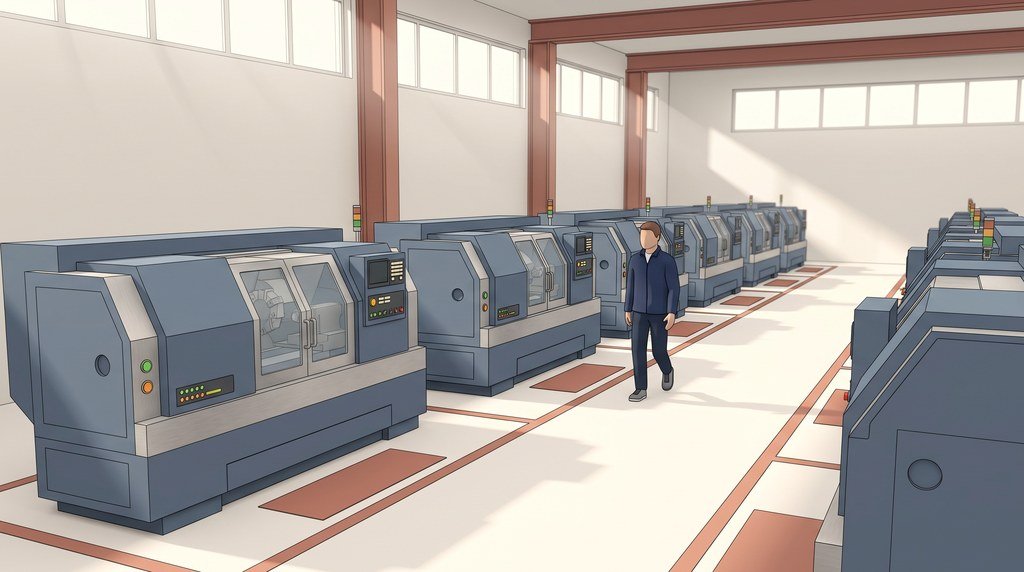
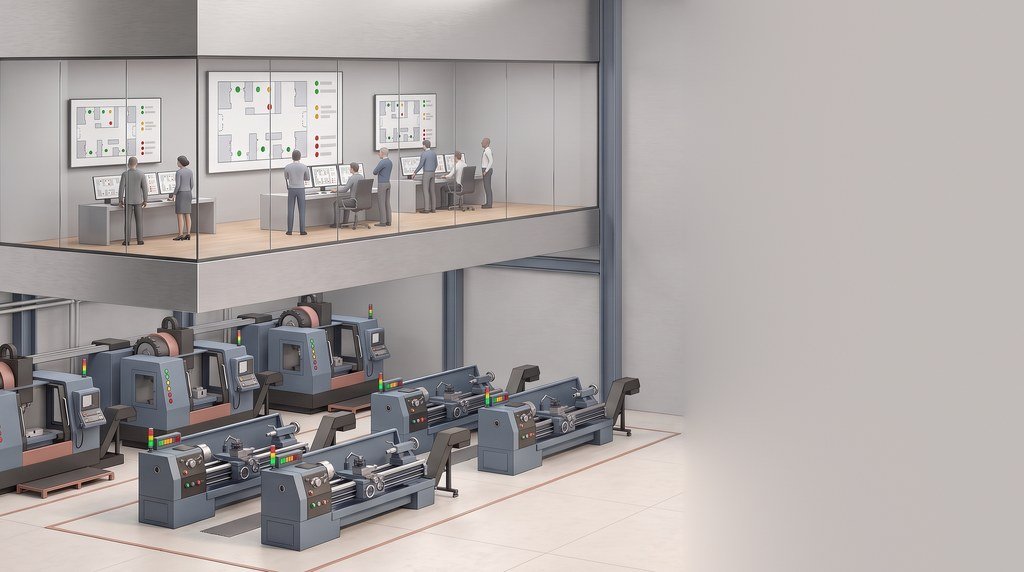
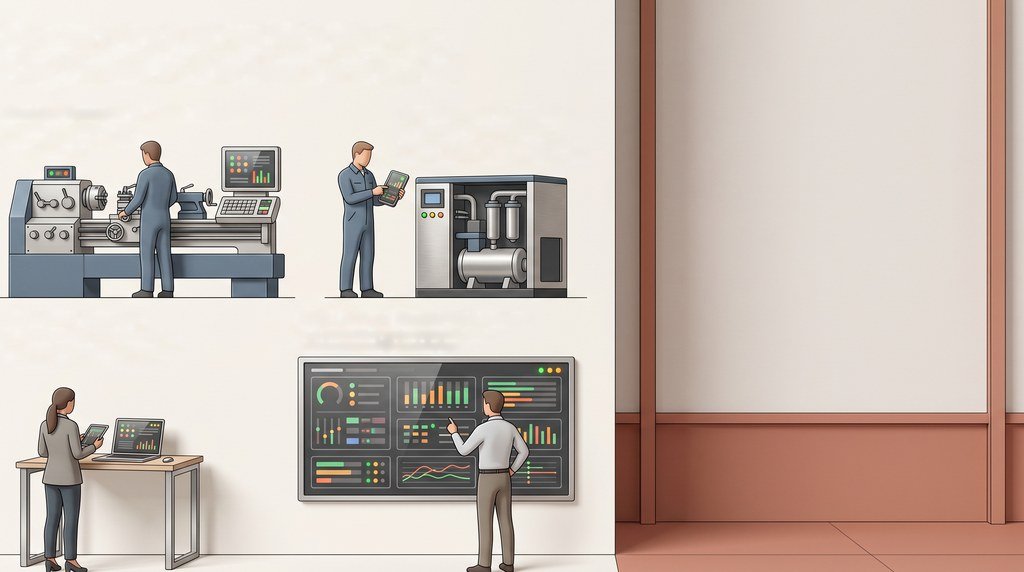
The morning question, answered before the walk
What ran overnight, what stopped and why, and who knows about it. Pragmatos Live answers on one screen, for the plant manager (Werkleiter), the shift lead (Schichtleiter), the operator (Maschinenbediener) and maintenance (Instandhaltung) alike.
What Pragmatos Live is: the live plant, and the record every module reads
LivePragmatos Live is the live picture of your plant. Each connected machine, line and plant sits in one structure, from the company down to plant, area, line, station and machine, with meters at any level. Every figure says what it is: its value, its time window, its shift calendar and its basis, in the terms of ISO 22400-2. Pulse, Orbis, Flow and Decisions all read from it, and each person opens on the screen for their job.
- ConnectLoomThe machines you have, read where they stand.
- SeeLiveThe live plant on one screen.
- AnalyzePulseCondition and trends, machine by machine.
- DecideOrbisProposes; a person decides.
- ActFlowApproved decisions become work.
- ProveDecisionsEvery decision on the record.
On Monday: the question "what ran overnight" is answered on a screen, before anyone walks the hall.
Plant and machine: each connected machine where it stands, in its state
LiveThe plant overview and the floor plan
The plant overview (Werksübersicht) counts machines by state and lists the open faults. The floor plan puts each machine where it stands on the floor, in the colour of its state: running, idle, fault, stopped or offline. The line screen adds the takt strip, the open faults and how the line runs this shift.
On Monday: the shift lead knows which machines stand before the first coffee, and where they stand on the floor.

One machine, over time
The machine screen shows state, speed, load, part count and alarms, with the age of the last reading on every figure. Open it from the floor plan and the figures for that one machine sit on one screen. A figure that has not updated says so, with its age.
On Monday: maintenance opens the machine screen before walking to the fault, and knows how old each figure is.

Every screen in 28 languages; each person picks their own.
Andon, shift board and terminal: stops with their reasons, in the same hour
LiveThe andon board (Andon-Tafel) shows every machine in large format: running, idle, fault, stopped or offline. At the machine, the operator's terminal logs what the machine cannot know: the order, the part count, the scrap and the reason for a stop.
The stops screen (Stillstände) sorts stops by reason and values them at the machine-hour rate (Maschinenstundensatz), taken from your ERP or entered by a person and stated on every cost figure. A stop counts where it hits the result: at the bottleneck, or where an order is lost.


Large type and large touch targets. Every state carries colour, a symbol and text together, and no alarm is sound only.
On Monday: the andon meeting starts from stops already logged with their reasons and valued, not from memory.
Alarms: to the right person, again and again
LiveYou set the rules: who gets which alarm, by type, severity and event, to a named person, everyone or a role, and the threshold per machine. The alarm repeats every minute for critical, every 15 minutes for major and every hour for the rest, and the acknowledgement is recorded with the time.
A figure older than 15 minutes says so, and a machine with no data for three times its usual interval is flagged. Silence is shown as silence, not as a machine that runs.
Not a safety function. A Pragmatos Live alarm reports. It is not a safety function in the sense of ISO 13849 or IEC 61508; the machine's own safety circuit protects people and equipment.
On Monday: the compressor alarm at 06:15 reaches the maintenance role on their phones, and repeats every 15 minutes.
Energy where meters exist: kWh first, cost where you set a tariff
LiveThe meter screen lists every meter, the level it sits on and its last reading. Consumption adds up by plant, hall and line, in kWh first, with cost only where a tariff is entered.
The words are the ones your energy team already uses: energy performance indicators (EnPI) against the energy baseline (EnB). Pragmatos Live supports your ISO 50001 energy management.

On Monday: the energy manager (Energiebeauftragter) reads last night's base load line by line, in kWh, and has a question for the right shift lead.
Several plants, one structure, a screen for each job
LiveEach plant (Werk) keeps its own areas, lines and shift calendar. The plants screen sets them side by side, on the same basis. Several companies run in one system and stay apart, each with its own plants and settings.

On Monday: the plant manager compares Werk 1 and Werk 2 on the same shift calendar, without asking for two spreadsheets.

A morning with Pragmatos Live: 05:52 to 06:45
Live
A machining plant with two lines and a utilities room, on a Monday after the night shift.
- Press 3 shows grey on the line screen.Shift lead
The tile reads "No new reading, last one 23 min ago". The figure says it is old, so nobody counts press 3 as running.
- Two stops on line 2 overnight, both with a reason.Andon meeting
47 minutes of "material missing" and 12 minutes of "tool change", each logged at the terminal when it happened. The 47 minutes hit the bottleneck, so the stops screen counts them against the result, valued at the machine-hour rate from your ERP. The rate is shown beside the figure.
- A stop reason in about 15 seconds.Operator
The lathe on cell 4 stops for a measurement. The operator taps one of the eight buttons the shift lead set for turning machines, and the stop appears on the stops screen in the same hour.
- Compressor 2 raises a major alarm.Maintenance
The maintenance role gets a push message on their phones. It repeats every 15 minutes, and when someone acknowledges it, the acknowledgement is recorded with the time.
- Werk 1 and Werk 2 side by side.Werkleiter
The plant overview shows both plants on the same shift calendar and the same basis, so the night shift in one plant compares with the night shift in the other.
- Overnight base load, line by line.Energy manager
310 kWh between 22:00 and 06:00 with no shift running, most of it on line 1. The question for the shift lead is written before the first coffee is finished.
Who it's for: what changes for each role
LivePick a role to see what Pragmatos Live gives that person. The plant manager's is open to start.
- Opens on the plant overview: every line in its state, with the open faults, before the first meeting.
- Compares plants and shifts on the same calendar and the same basis, because every figure states its window and calendar.
- Sees what a stop costs where it hits the result, at a machine-hour rate whose source is shown.
- Opens on the line screen: the takt strip, the open faults and how the line is running this shift.
- Runs the andon meeting from stops that are already logged with their reasons.
- Sets the six to eight stop-reason buttons for each machine class, and the same list feeds the stops screen.
- Starts and stops orders, logs part count and scrap, and gives a stop reason in about 15 seconds.
- Asks for first-article release and acknowledges alarms at the terminal.
- Reads large type and large touch targets, with colour, symbol and text together, in one of 28 languages.
- Gets the alarms meant for maintenance, in the app and as a push message for major and critical ones.
- Opens the machine screen before walking to the fault: state, speed, load, part count and alarms, with the age of the last reading.
- Knows when a figure is old, because every figure shows the age of its last reading.
- Opens on the quality screen and sees first-article release requests as they come in.
- Reads scrap where it is logged, by machine and shift, with corrections that keep the original entry.
- Watches the current 15-minute block against the limit you set below the year's peak.
- Reads off-shift base load, consumption by plant, hall and line, reactive energy and kWh per part where meters exist.
- Works in ISO 50001 terms: energy performance indicators against the energy baseline. Pragmatos Live supports your ISO 50001 energy management.
- Sees the stops by machine and reason, logged at the terminal against the order.
- Plans against the shift calendar the figures use: five patterns from off to continuous, plus your own dates.
- Runs Pragmatos Live where you choose: on premise in your plant, in your own cloud, or both, with single sign-on and invitation links valid for three days.
- Keeps the plant network as it is: Pragmatos Live reads, and nothing is written to a machine control.
- Gets notifications by e-mail and over REST into the systems you already run.
- Sees stops valued at the machine-hour rate, with the rate and its source on every cost figure.
- Keeps several companies apart in one system, each with its own plants and its own settings.
- Has a read-only view of what is recorded and shown, in Pragmatos.
- Shift and crew figures appear only for groups of five or more by default; smaller groups are not shown, and named people are never ranked.
- Linking a figure to a person stays off until a works agreement (Betriebsvereinbarung) reference is entered.
What Pragmatos Live does not do
On Monday: IT and the works council (Betriebsrat) read one page on what Pragmatos Live touches: it reads from the machines and writes nothing back.
Show us your floor. We show you the morning screen for it.
Readiness self-assessment
Where your plant stands before the first machine is connected.
OEE reality check: the calculator
See how far a reported OEE can sit from one that counts micro-stops and speed loss.
We set it up with you.
Book a walkthroughBefore and after Pragmatos Live
- LoomConnect: the machines you have, old and new.
- PulseAnalyze: condition and trends, machine by machine.
- OrbisDecide: Orbis proposes, a person decides.
- FlowAct: approved decisions become work.
- DecisionsProve: every decision on the record.
- NexusThe machine and the cell in 3D.
- PragmatosThe whole platform, from connect to prove.
Get new articles by email
How we think about it
The arguments behind Pragmatos Live, one problem at a time.
Questions plant managers and works councils ask