Pragmatos Flow · Act
Flow turns an approved decision into work that gets done.
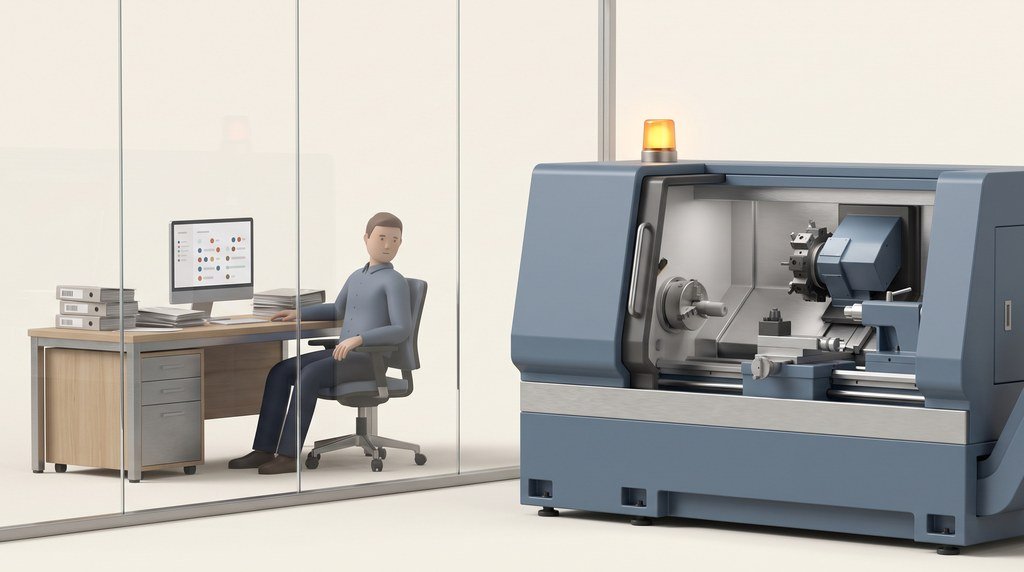
Work orders, the shift board, the terminal at the machine and your ERP: the decision reaches the people who carry it out, and the confirmation comes back. People act. Pragmatos never writes to a machine control.
What Flow is: the step where a decision becomes work
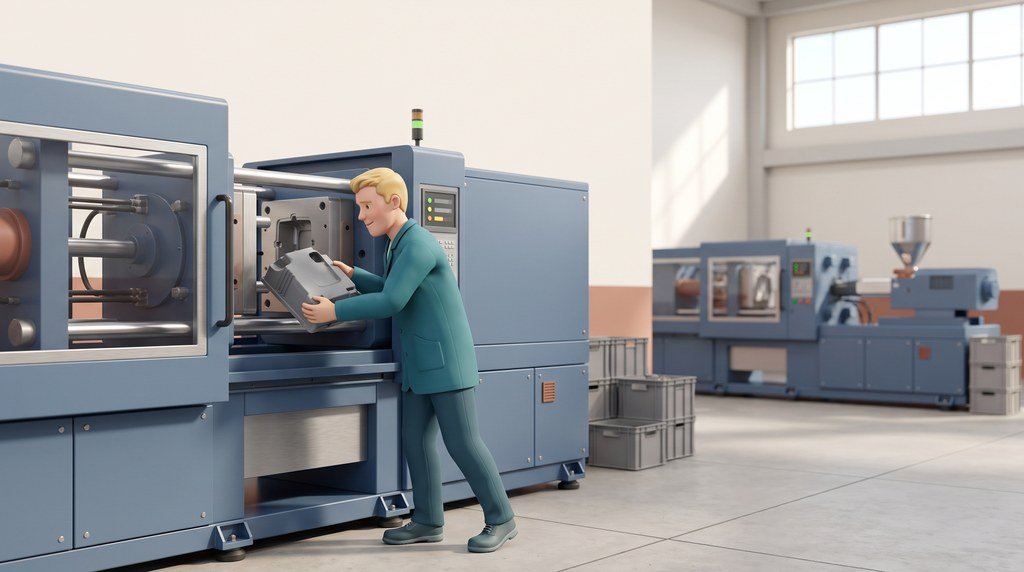
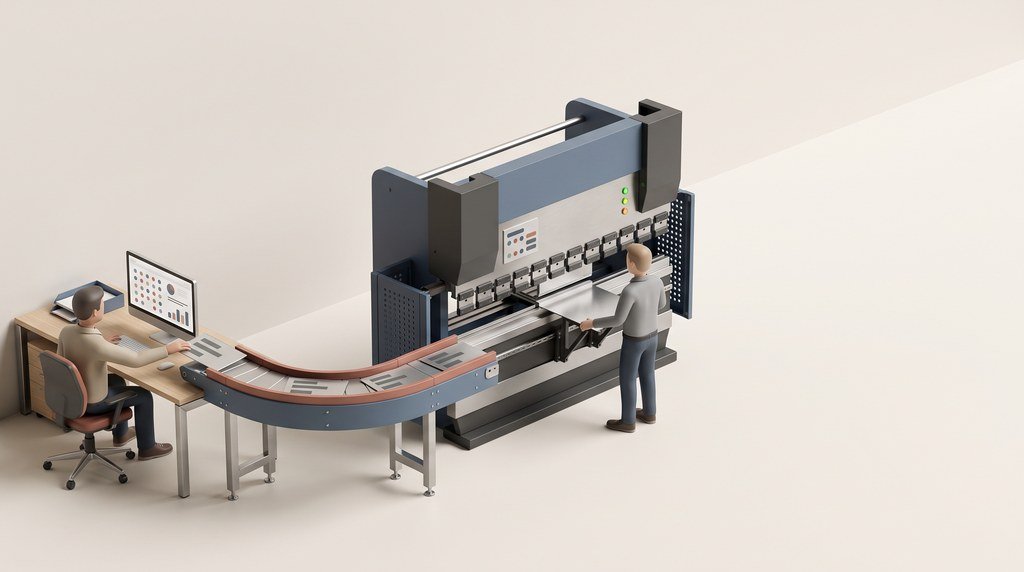
FlowDecisions get lost between the approval and the machine: in an email, on a slip of paper, in an ERP order someone types in after lunch. Flow carries each approved decision to the people and the systems that carry it out. It opens the work order in your ERP, puts the job on the shift board and the terminal, sends a message to the person who can act, and brings the confirmation back.
Flow is the Act step in the Pragmatos loop. It follows Orbis, where a person approves a proposal, and it hands the finished work to Decisions, where the whole path stays on the record.
- Connect: LoomLoom AI reads your machines, old and new.
- See: Pragmatos LiveThe plant on one screen, as it runs.
- Analyze: PulsePulse finds what changed.
- Decide: OrbisOrbis proposes, a person approves.
- Act: FlowFlow turns it into work.
- Prove: DecisionsDecisions keeps the record.
The path of one approved decision
- Orbis proposes, a person approvesA tool change, with the readings behind it, approved by the maintenance lead (Instandhaltung) on the phone.
- Flow opens the order in your ERPOne work order for the approved decision. The ERP's order number comes back to the decision.
- The job reaches the floorIt lands on the shift board, on the terminal at the machine and on the phone of the person who does it.
- A person does the workThe technician changes the tool and confirms it at the terminal. Nothing touches the machine control.
- The confirmation goes backPieces and times return to the ERP from the machine's own count. The decision is marked done in Decisions.
People act. Flow sends work to people and to your ERP. Pragmatos never writes to a machine control, so every job on the floor is done by a person, with the machine's own controls.
Work orders: one for each approved decision that needs one
FlowAn approved decision that needs work opens one order in your ERP: a maintenance order, a tool change, a scrap note. The ERP's order number is written back to the decision, so anyone looking at either one finds the other.
Nobody retypes the decision into the ERP, and nobody has to remember to. When the work is confirmed, the decision is marked done. A rejected proposal opens no order.
What changes on Monday: the maintenance lead approves a job once, on the phone, and it is already an order with a number when the technician picks it up.

| The approved decision | What Flow opens in your ERP |
|---|---|
| Maintenance: a worn tool, a bearing running warm | A maintenance order, or a tool change |
| Availability: the same stop, again and again | A maintenance order for the cause |
| Quality: parts drifting out of tolerance | A quality notification, or a scrap note |
| Energy: a machine drawing power while idle | A corrective-action order |
| A rejected proposal | No order |

On the floor: the shift board, the terminal and the capacity view
FlowYour ERP orders arrive per line and machine, with part number, quantity and target cycle (Vorgabezeit). The shift lead dispatches them on the shift board, the planner balances them on the capacity view, and the operator works them at the tablet terminal next to the machine.


What changes on Monday: the shift starts from a board that already shows what runs where, the operator confirms a count the machine has made, and the next shift reads the stops with their reasons instead of a note.
Messages: one, to the person who can act
FlowWhen something needs a person, Flow finds the right one. Flow finds the person responsible for that machine, and if nobody is set, an administrator gets it, so every message reaches someone.
It goes out by email, chat or webhook, and as a push message on Pragmatos Mobile. An alarm that stays on repeats at its set interval: every minute for critical, every 15 minutes for major and every hour for the rest. Quiet hours hold routine messages for the morning, and critical ones always get through.
What changes on Monday: the technician on call gets the message for the stop that needs them, and the night stays quiet for everything that can wait.

Your ERP, both ways: five packs, checked field by field
FlowFlow is the bridge between your ERP and the plant. Orders, routings, cycle times, maintenance plans and confirmations move in both directions. Your ERP keeps its plans and its costs, and the plant data stays authoritative for what happened on the shop floor.
From your ERP
- Orders and operations per line and machine, with part number, quantity and target cycle.
- Maintenance plans from SAP PM or proALPHA, shown beside the machines in Pragmatos Live.
- The target cycle per part number from the routing, which Pulse compares with the measured cycle.
- The shift calendar, or Flow keeps its own.
- Cost rates such as the machine-hour rate.
Back to your ERP
- Pieces and times per operation, from the machine's own count.
- Done maintenance work, as a confirmation.
- One work order for each approved decision that needs one.
- Nothing at all, if you choose the read-only option.
What changes on Monday: production confirmations stop being typed in from paper at the end of the shift, and the ERP's figures match what the machines made.
No ERP on the shop floor? Flow runs standalone.
Where the ERP stops at the office door, or where there is none, Flow carries the shop-floor work: production, stock, orders, maintenance and quality, booked by your people in one system that knows the machines.
What changes on Monday: a plant without an ERP on the floor books orders, stock and quality in one place, at the machine.
Finance: every cost figure says where its rate came from
FlowCost rates, such as the machine-hour rate (Maschinenstundensatz), come from your ERP or are entered by a person, and every cost figure states which. A stop is valued at that rate and counted where it hits the result: at the bottleneck, or as a lost order.
The journal is designed for GoBD: entries are never overwritten, and every correction is a new, logged entry. Invoices go out as XRechnung or ZUGFeRD, and the DATEV export goes to your tax adviser.
What changes on Monday: the controller reads a stop in money with the source of its rate beside it, and can answer the question "where does that figure come from" without a spreadsheet.

A morning on line 2: one stop, from alarm to the ERP
FlowA machining plant with three lines, the early shift, your ERP on the other end. This is what Flow does with one spindle stop.
- 06:40The turning centre on line 2 stops on a spindle-load alarm. It is the third stop on that spindle this week. Pulse shows the tool wearing faster over the last shifts.
- 06:48Orbis proposes a tool change. The proposal carries the readings behind it and how Orbis arrived there.
- 06:52The maintenance lead approves it on the phone. Flow opens 1 maintenance order in your ERP. The ERP's order number comes back to the decision.
- 06:53The job reaches the floor. It is on the shift board and on the terminal at the machine, and the technician on shift gets 1 message.
- 07:20The technician changes the tool and confirms it at the terminal. Line 2 runs again after 40 minutes. The stop is booked with its reason.
- 07:30The planner (Arbeitsvorbereitung) opens the capacity view. Line 2 is 40 minutes behind, so the planner moves 2 orders to line 3. The shift board updates for both lines.
- 14:00The shift ends. 120 pieces go back to the ERP against their operations, from the machine's own count. The 40 minutes are valued at line 2's machine-hour rate, with the source of that rate shown. Decisions keeps the record of the whole path.
Who it's for: what changes for each role
FlowFlow is where the office and the shop floor meet, so it means something different on each side of the door.
Pick your role to see what changes for you. Production planning is open to start.
- Your ERP orders sit per line and machine, with part number, quantity and target cycle (Vorgabezeit).
- When a line loses time, the capacity view shows it, and you move orders to another line before the shift runs out.
- Pulse compares the target cycle from your routing with the measured one, so a routing that is out of date shows up.
- You start the shift from the shift board: what runs where, what is next, what is stopped and why.
- An approved maintenance job appears on the board with its order number, so you plan around it instead of hearing about it.
- Stops carry a reason booked at the machine, so the handover to the next shift is the board, not a note.
- The tablet terminal shows your next job. You start set-up, start the run, confirm pieces, and book scrap or a stop with its reason.
- The piece count comes from the machine, so you confirm it instead of counting it.
- The travelling card (Laufkarte) and the label print from the order, and material is booked as pieces are confirmed.
- An approved decision arrives as a maintenance order in your ERP, with the readings behind it attached to the decision.
- Your maintenance plans from SAP PM or proALPHA appear beside the machines, and done work goes back as a confirmation.
- An alarm reaches the person on call and repeats at its set interval while it stays on; routine messages wait for the morning, critical ones get through.
- You pick the pack for your ERP and map each field on the mapping screen, with a test run and a diff before go-live.
- You can start read-only: orders, plans and calendars come in, nothing goes back until you switch it on.
- The Fabric link uses API users on your ERP side, and everything runs where you choose: on premise in your plant, in your own cloud, or both. Data leaves only through a channel you switch on, such as mobile push.
- Every cost figure states where its rate came from: your ERP or the person who entered it.
- Downtime is valued at the machine-hour rate (Maschinenstundensatz) and counted where it hits the result: at the bottleneck, or as a lost order.
- The journal is designed for GoBD, invoices go out as XRechnung or ZUGFeRD, and the DATEV export goes to your tax adviser.
- You see which approved decisions are open, which are in progress and which are done, each with its ERP order.
- A decision made at nine is a job on the floor a minute later, not a slip of paper at noon.
- Nothing in Flow writes to a machine control. People carry out the work, and the record shows which role did what.
- Notifications are about machines and processes, never about people.
- No view ranks named individuals.
- The record stores the role that approved a decision. Linking it to a named person is switched on only under your Betriebsvereinbarung, and you are told before it takes effect.
- A part drifting out of tolerance becomes a decision, and once approved, a quality notification in your ERP.
- Nonconformance and 8D sit on the same order the parts were made on, next to the machine data from that run.
- A quality hold reaches the shift board, so the next pieces wait for a check instead of shipping.
People decide, people act, the data stays yours
FlowBefore and after Flow in the loop
- Decide: OrbisOrbis proposes with the evidence behind it, and a person with the right role approves.
- Prove: DecisionsEvery decision on the record: which role proposed it, which role approved it, what was done.
Bring one decision that got stuck between the office and the machine. We walk you through where Flow carries it.
We set it up with you, starting with your ERP's mapping.
Book a walkthroughThe whole loop
- PragmatosThe platform, from the machine to the record.
- Connect: LoomYour machines, old and new, read-only.
- See: Pragmatos LiveOne screen for the whole plant.
- Analyze: PulseCondition and trends, machine by machine.
- NexusThe plant as a model you can walk through.
- Platform and trustWhere it runs and who sees what.
Get new articles by email
Questions planning, IT and finance ask