Pragmatos Nexus
Walk your plant in 3D, with each connected machine live.
Nexus is a 3D model of your plant that shows each machine's live state: plant, cells and machines in 3D with the live state from Pragmatos Live, and the maintenance job on a tablet at the machine. It shows; it never touches a control.


Your plant as it stands, with its state where it happens
Nexus is a 3D model of your plant that shows each machine's live state. It shows the plant, its cells and its machines in 3D, each machine at its true place, with the live state from Pragmatos Live on the parts it belongs to. At the machine, it runs maintenance jobs on a tablet or a headset, step by step. Nexus only shows: it reads from Pragmatos Live and writes nothing back.
In the Pragmatos loop, Nexus is a way of looking at See and Analyze. What Pragmatos Live sees and what Pulse finds appear in space, on the machine and the part, where people look for them, not in a list.
The plant: every machine where it stands, in the state it is in
NexusThe first question at any alarm is where. Nexus answers it before anyone walks: the whole plant in 3D, each hall, line, cell and machine where it stands on your floor, coloured by its live state.
The 3D comes from the plant model you already keep in Pragmatos, so no CAD project is needed. Move a machine on the floor plan and it moves in Nexus too.
Turn, zoom and move through the hall in the browser, or jump to a set view of a machine or a cell with one click.
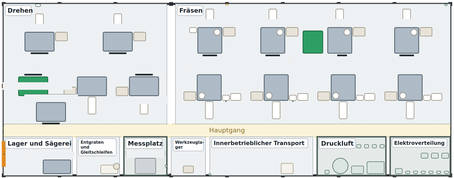
How the state is shown
A machine: the fault on the part, not in a list
NexusOpen a machine and it stands in 3D with its working parts: spindle, axes, tool magazine, cabinet, coolant pump, stack light. Each part carries its live state, in band, needing attention, stale or without a reading.
An alarm on the tool magazine lights the tool magazine. The technician sees which part before opening a door, and what the other parts of the machine are doing at the same moment.
From a finding in Pulse, a work order in Flow or a proposal in Orbis, one click opens that machine in 3D.

A cell: the machines and the plant that keeps them running
NexusA cell is more than its machines. Nexus shows a cell's machines under their gantry together with the coolant plant, the air plant and the electrical panel that serve them, and the pipes that join them.
When the cell stops, the cause is often behind the machines: low coolant pressure, an air dryer in alarm, a tripped breaker. In the cell view it sits beside the machines it stopped.

At the machine: the maintenance job, step by step, on the part
NexusAt the machine, the technician opens the job on a tablet or a headset. The machine appears in 3D, and each step of the job lights the part it is about: the isolator, the door, the tool magazine, the gripper.
Every machine carries its maintenance jobs. A step that asks for a signal the machine does not send is left out, so the job never asks for a value that is not there. Steps that open the enclosure or touch the isolator carry their safety note.

Nexus is not a safety function. It never replaces the machine's own safety systems: the guards, interlocks and emergency stops, and your lockout procedure, stay as they are and stay in charge. Nexus shows the job; people follow the plant's procedure.
Training and visits: learn the floor, and show it
NexusA new technician learns where things are before learning how they work. In Nexus the hall, its lines, its cells and the utilities behind them can be walked on a screen in the first week, and a maintenance job can be practised on a desk at table-top size.
For a customer visit, an audit or the management meeting, the plant shows on one screen in the layout everyone recognises, with its live state on it.

A morning in Hall 2: from finding to fix
NexusOne finding, one technician three weeks into the job, a hall full of machines.
- A finding comes inPulse flags the tool magazine on machining centre 9 in Hall 2. The technician on shift joined three weeks ago.
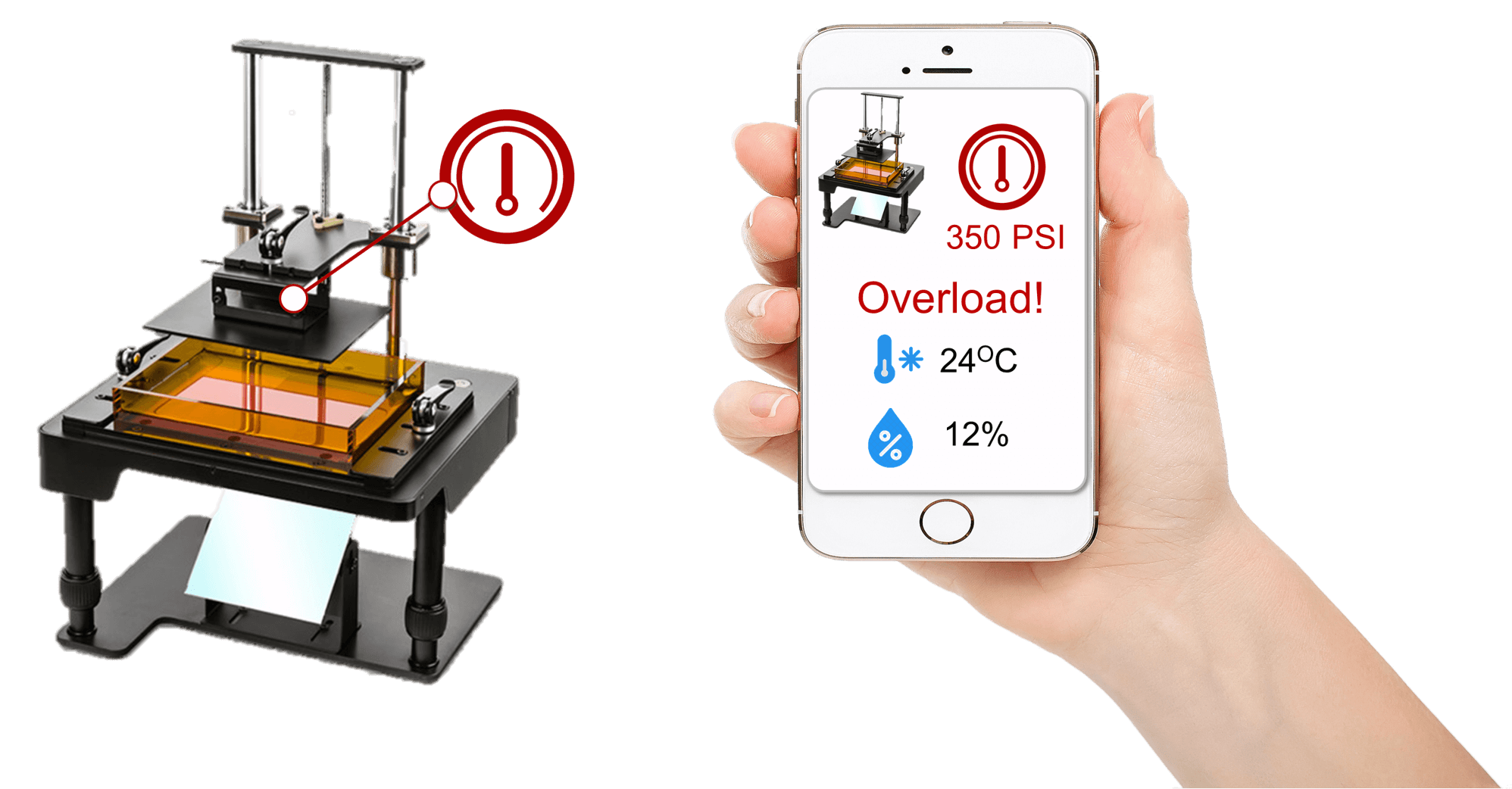
- Nexus opens on the findingOne click from the finding in Pulse opens machining centre 9 in 3D on a tablet. 38 of 40 signals are live. The tool magazine is amber. The coolant pump is drawn hollow: no reading, so nobody takes it for fine.
- At the machineThe technician opens the job "tool changer check": three steps. Step 1 carries the safety note: switch off and lock out at the isolator before the door opens.
- The part, litStep 3 lights the gripper on the tool changer. A worn gripper finger is found and replaced from stock.
- Back in bandThe machine restarts and its tool magazine turns green in Nexus.
Who it's for
NexusPick your role to see what changes for you.
If you are called to a stop and have to find the fault:
- The alarm sits on the part in 3D, so you know which machine and which part before you set off.
- The job for that machine runs on a tablet at the machine, each step lighting its part, with the safety note on the steps that open the enclosure.
- A missing or stale reading looks missing or stale, so nobody takes it for a live one.
If you answer for the whole plant:
- The plant in 3D, every machine at its place and in its state, in the layout your people already know.
- A stop in the utilities room shows beside the machines it feeds, so the cause is in view, not two screens away.
- The same view serves the morning meeting, the audit and the customer visit.
If you plan the lines and the cells:
- Each cell in 3D with its machines, gantry and the coolant, air and electrical plant that serve it.
- Which machine waits on which utility shows in the cell, not in a list of tags.
- Every machine sits on the plant model you keep once in Pragmatos, so the layout and the data agree.
If you run the shift:
- One look at the hall shows what runs, what needs attention and what has no reading.
- You send the right person to the right part, with the job already on their tablet.
- The header says how many signals are live, so a quiet screen is never mistaken for a calm shift.
If you are new to the plant, or you teach those who are:
- Learn the hall, the lines and the utilities in 3D before the first walk on the floor.
- Practise a maintenance job at table-top size on a desk before doing it at the machine.
- Each step shows the part it is about, so the job reads the same for the first-week starter and the twenty-year hand.
If you own the plant and show it to others:
- Show customers, banks and visitors the whole plant and its live state on one screen.
- Nexus runs on the plant model and the data Pragmatos already holds: no CAD project, nothing to install on the machines.
- It runs where you choose: on premise in your plant, in your own cloud, or both.
If you look after the controls and the plant network:
- Nexus reads from Pragmatos Live and writes nothing back. There is no path from Nexus to a control, a setpoint or a program.
- It runs in a web browser with nothing to install on the PCs, tablets or headsets.
- It shows only what Loom connects and Pragmatos Live holds, so there is one source of the data, not a second one.
If you sign off how maintenance work is done:
- Steps that open the enclosure or touch the isolator carry their safety note in the job.
- Nexus is not a safety function. Guards, interlocks and your lockout procedure stay as they are and stay in charge.
- Each job runs at the machine it belongs to, step by step. Your plant's procedure stays in charge.
Nexus shows, people act. It reads the live state from Pragmatos Live and writes nothing back: no path to a control, a setpoint or a program. It runs in the browser, on premise in your plant, in your own cloud, or both: you choose.
Walk your plant in Nexus, with your own floor plan.
Readiness self-assessment
Where your plant stands before the first machine is connected.
OEE reality check: the calculator
See how far a reported OEE can sit from one that counts micro-stops and speed loss.
We set it up with you.
Book a walkthroughWhere Nexus sits in the loop
- Connect: LoomLoom AI reads your machines, old and new, and never writes to them.
- See: Pragmatos LiveOne screen for the whole shop, the live state Nexus shows.
- Analyze: PulseCondition and trends, machine by machine.
- Decide: OrbisOrbis proposes, a person approves.
- Act: FlowApproved decisions become work.
- Prove: DecisionsEvery decision on the record.
- PragmatosThe whole platform on one page.
- Platform and trustWhere it runs and who sees what.
Get new articles by email
How we think about it
The arguments behind Nexus, one problem at a time.
Questions maintenance and plant managers ask